CodeForce Tech Notes
Stop Hunting for Photos: A Calmer Way to Organize Your Digital Life
Find your files, understand cloud storage and build a clearer backup routine. Join Stephanie at Wendell Free Library on December 4, 1-3 p.m. Eastern.
A photo can feel lost even when it is still on your device. Maybe it is in Downloads instead of Pictures. Maybe your phone shows it, but your computer does not. Maybe a cloud-storage message has left you wondering whether the picture is safely backed up or simply taking up space somewhere else.
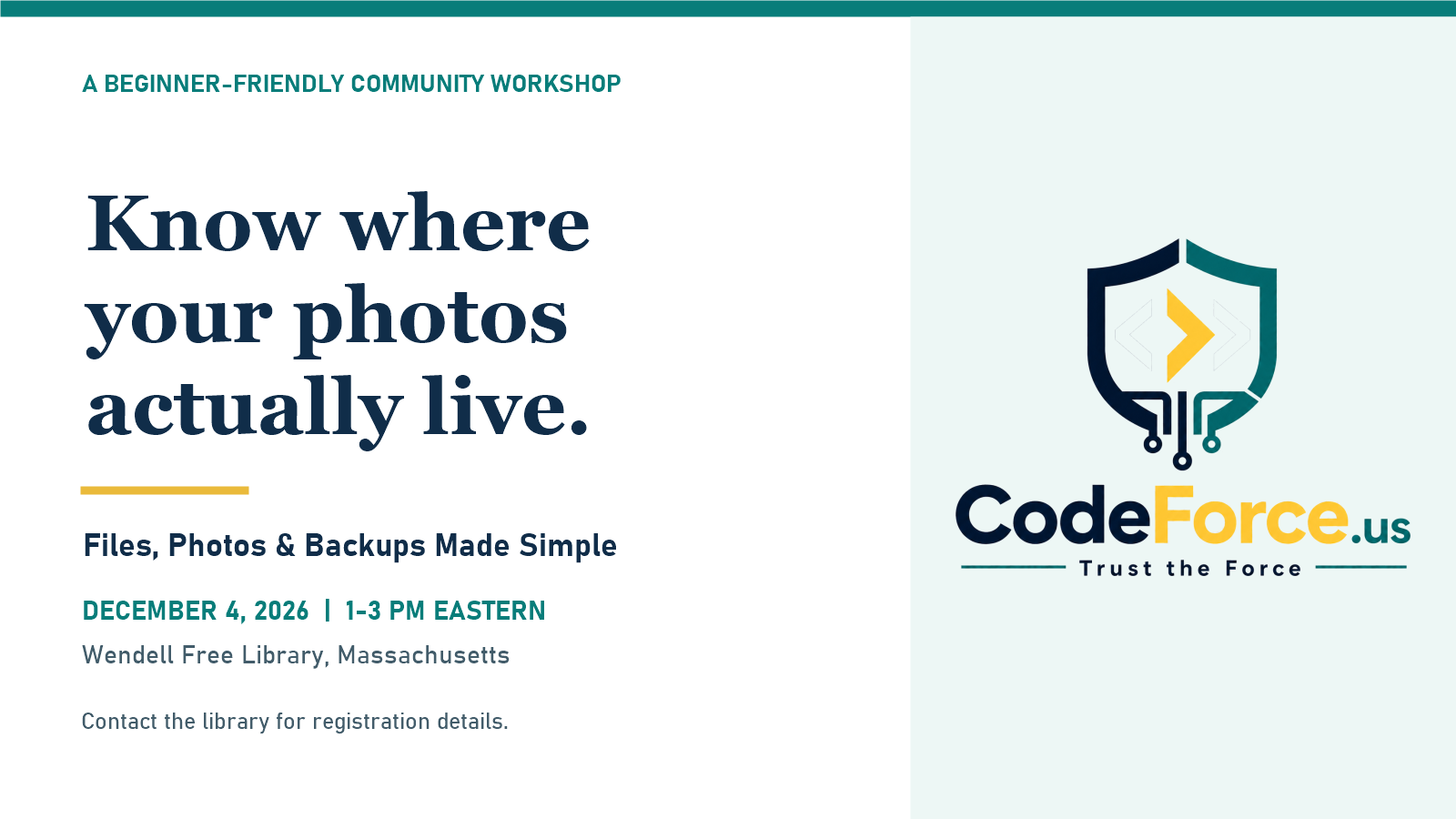
The Files, Photos & Backups Made Simple workshop at Wendell Free Library is about making those everyday questions less mysterious. Stephanie from CodeForce will teach on Friday, December 4, 2026, from 1:00 to 3:00 p.m. Eastern, with a practical, beginner-friendly pace and time to ask questions.
Start with finding, not deleting
When storage is full, it is tempting to start removing things. A calmer first step is to work out where a file actually lives. Is it saved on the phone, on the computer, on a removable drive, or in a cloud account?
Before class, you can try a small, non-destructive exercise: choose one ordinary, non-sensitive file you already recognize, find it, and notice which folder or app contains it. Do not move or delete the original just to practice. If the location is confusing, that question is useful to bring to the workshop.
The session will explore finding downloads, documents and photos, and understanding the difference between a device’s storage and cloud storage. You do not need to arrive with a perfectly organized computer.
A folder name should help your future self
There is no prize for the most elaborate folder system. A useful system is one you can understand again next month.
Think about the words you would use when looking for something. A folder named Household Documents gives you a clearer starting point than a pile of unrelated downloads. A practice file named 2026-12-family-photo-copy.jpg is easier to recognize than another anonymous copy called final-new-2.jpg.
Those are examples, not a requirement to rename your whole collection. At the workshop, the goal is to build simple folder and naming habits that fit the way you use your own device.
Seeing a photo in two places is not the whole backup story
Syncing and backing up are different ideas. A synchronized change can appear on another device, which is convenient until the change was an accidental deletion. The useful question is not just, “Can I see this somewhere else?” It is, “If something goes wrong, how would I get an earlier or missing copy back?”
You do not need to buy a new service before class. We will discuss backup basics, a simple routine, and the importance of checking that important files can be recovered. The point is to understand what your current setup does, rather than assume that every cloud symbol means the same thing.
What the Wendell files and photos workshop will cover
The two-hour session brings these ideas together: finding your files, understanding device and cloud storage, making useful folders and file names, thinking carefully before freeing space, and building a backup routine you can explain in plain English.
Examples will be adapted to participants’ devices, with time to practice and ask questions. Sample files will be used so you do not need to delete personal files or share passwords during class. Keep your passwords and private information to yourself.
A good question might be as simple as, “Why is this picture on my phone but not on my laptop?” You can write down the message you are seeing, without including an account password or other sensitive information. That gives you something specific to ask about.
Join us on December 4
Class: Files, Photos & Backups Made Simple
When: Friday, December 4, 2026, 1:00-3:00 p.m. Eastern
Host and location: Wendell Free Library, 7 Wendell Depot Road, Wendell, Massachusetts
Format: Stephanie teaches in person; remote attendance is coordinated through the library.
To ask about registration, attendance requirements and remote participation, contact Wendell Free Library at 978-544-3559. The Massachusetts public-library directory confirms the library’s address and public phone number. Registration details and any participant fee should be confirmed with the host; this article is not a registration form and does not reserve a seat.
You can also see the confirmed workshop on CodeForce’s classes and training page. If you would like to keep exploring the topic, our Organizing Your Digital Life course covers related everyday organization skills.
Start with one file and one useful question. You do not have to solve your entire digital life in an afternoon to leave with a clearer plan.