
CodeForce Tech Notes
Your Contact Form Says ‘Sent.’ Your Inbox May Disagree.
The green success message is only one part of the story. Here is how to find out whether a real customer inquiry reaches the person who can answer it.
A customer finishes your contact form. A cheerful message appears: Thanks! Your message has been sent. They close the tab and wait. You keep checking an empty inbox.
Neither person necessarily did anything wrong. The website may have completed one step while a later step failed. Before Thanksgiving promotions send more people to your site, give this small but important handoff some attention. More traffic is not much help if an inquiry disappears between the submit button and the person who answers it.
The green message is not a delivery receipt
On a WordPress website, the form, the mail-sending system and the receiving mailbox are separate parts. A plugin can report success because it accepted a submission or because the sending function returned successfully. Exactly what that message proves depends on the plugin and its configuration.
The official WordPress documentation for wp_mail() makes the limitation clear: a successful return value means the sending method processed the request without an error, not that the recipient received it. A generic success banner should not be treated as end-to-end proof.
Think of it as handing a package to a courier. The handoff matters. It is not the same as seeing the package at the destination.
Follow the inquiry, not just the button
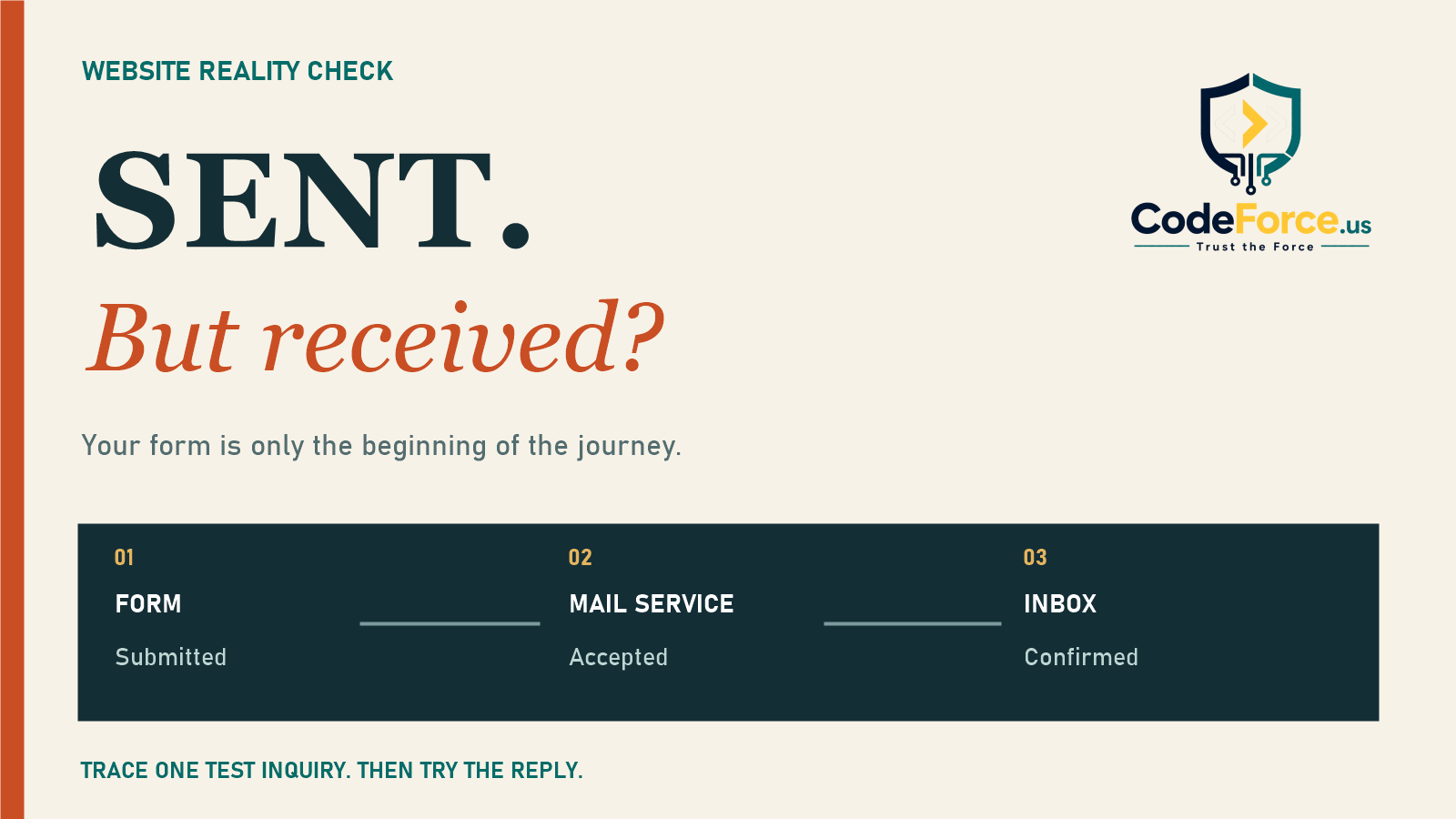
First: was the submission actually recorded?
Look for a matching entry in your form system, if entry storage is supported and enabled. Use the timestamp and a unique test phrase, not a guess based on today’s total. Some forms only send email and do not store entries. Know which kind you have before relying on a nonexistent backup.
If there is no record, investigate validation, spam protection and the form’s submission result before changing your email settings. If there is a record but no notification, the problem is farther along. This distinction can save a lot of random plugin swapping.
Next: did the mail service accept it?
An authenticated SMTP connection or email API can give you a more traceable sending path. It still needs valid credentials, correct sender settings and a working connection. Installing a mail plugin alone does not prove that any of those are right.
For example, Brevo’s transactional logs let you search by recipient, subject and message ID, then inspect an email’s event history. Your provider may use different labels. Find the specific test message rather than assuming an unrelated recent delivery proves your form works.
Finally: can the intended person see it and reply?
Check the actual recipient mailbox, including spam, quarantine and filtering rules. A provider’s delivery status is useful evidence, but do not equate a server handoff with a human seeing the message. Confirm the inquiry is visible where the person handling leads normally works, then send a reply and verify that it reaches the test sender.
This last step catches a different problem: a notification that arrives but makes replying awkward, goes to a former employee or sits in an inbox nobody owns.
Sender identity matters more than a fancy template
A practical setup is to send notifications from an authenticated address on your business domain, with the visitor’s address in Reply-To. Do not make your website pretend to send directly from every visitor’s Gmail or Yahoo account. Ask whoever manages your mail to verify that the form and provider support this arrangement.
Google’s sender guidelines require SPF or DKIM for all senders to personal Gmail accounts; higher-volume senders have additional requirements, including both SPF and DKIM plus DMARC. Google recommends all three for sending domains. These are not magic inbox guarantees, and the bulk-sender rules should not be confused with the baseline for a low-volume contact form.
Do not paste random DNS records into your domain settings. The correct values depend on your actual mail providers. Have the person responsible for the domain check the complete setup, especially when changing hosting, sending services or business email.
A realistic test takes the customer route
Submit the public form as an ordinary visitor from a phone. Use an email address you control and a harmless phrase such as November form test – blue umbrella. Avoid customer information, passwords, financial details or sensitive documents.
Now trace that phrase through the stored submission, sending log, notification inbox and reply. If the form promises a customer confirmation, verify that separately too. A successful administrator notification does not prove the customer acknowledgment worked, or vice versa.
Write down what passed, what did not, the destination addresses and who will investigate. Repeat after a significant form, hosting, DNS or email-provider change. Before an important campaign is also a sensible time. The goal is evidence, not a screenshot of a green banner.
Build a safety net, not a second pile of notifications
Where appropriate, keep protected form entries and assign someone to review unanswered inquiries. Limit access and retention to what your business needs. Extra email copies are not much of a fallback if they all depend on the same broken sending path.
Give visitors an alternative contact method and a realistic response expectation. Do not promise a response time that nobody can maintain. A clear route to help is more useful than another reassuring sentence under the submit button.
Your website’s job does not end at looking trustworthy. It needs to carry an inquiry into a workable follow-up process. That is the same principle behind keeping holiday hours consistent across your customer journey: the promise and the experience should agree.
Not sure where your inquiries are going? CodeForce can help review the form-to-inbox path and the handoffs around it. Explore WordPress help or contact Stephanie to discuss your website and the problem you are seeing. Bring a test timestamp, not a folder of private customer messages.

