What this helps with
- Finding downloaded files again
- Creating folders that make sense
- Renaming files clearly
- Moving and copying without fear
- Understanding USB drives and cloud storage
CodeForce online class
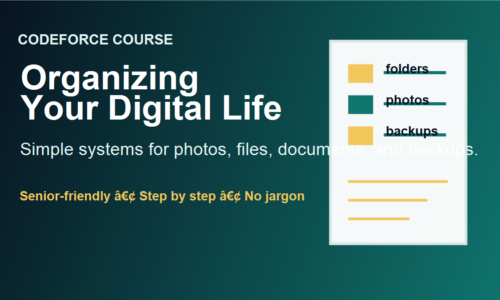
A calm, step-by-step course for adults and older learners who want technology to feel less scattered. Learn how to name files, clean up Downloads, understand cloud storage, and build a small routine that actually sticks.
Class attendees receive a private workshop access code for lifetime online course access. Rewatch the steps on your own device, move slowly, and come back when new lessons are added.
Best for one person who wants the online class, worksheets, and practice steps after an in-person workshop or at-home learning session.
Enroll onlineBest for learners who want access to multiple CodeForce classes over time, including senior-friendly tech lessons, business basics, and practical digital skills.
Ask about membershipBest when a learner wants the online course plus a patient one-on-one session for files, photos, passwords, backups, or device setup.
Book helpSuggested backup supplies
You do not need to buy everything. Start with one simple USB flash drive for practice. Choose a portable external drive if there are a lot of photos, videos, or full-computer backups to protect.
Good for class practice, small document backups, and learning how moving files works.
Shop USB drivesHelpful for newer laptops, tablets, and phones when a regular USB drive does not fit.
Shop dual USB drivesBetter for larger photo collections, videos, and fuller computer backups.
Shop external drivesA small case or label system helps keep drives from disappearing in drawers and bags.
Shop organizersCodeForce may earn a small commission from Amazon links at no extra cost to you.