
CodeForce Tech Notes
Google Search Profile Badge: Should Your Brand Add One?
Google now documents a website badge for eligible Search profiles. Learn who qualifies, what the badge does, and where a brand should place it.
A Google Search profile badge gives an eligible publisher, creator, or brand a direct website link to its profile on Google. Google added official badge guidance in September 2026 after expanding Search profiles to more U.S. publishers and creators. The profile can bring together a website, articles, videos, and social posts in one shareable place that people can follow.
The badge is useful, but it is not a magic SEO button. Google says creating a Search profile does not directly affect ranking in Google Search. Its practical value is audience connection: followers may be more likely to see content linked to the profile in Google Discover.
What is a Google Search profile?
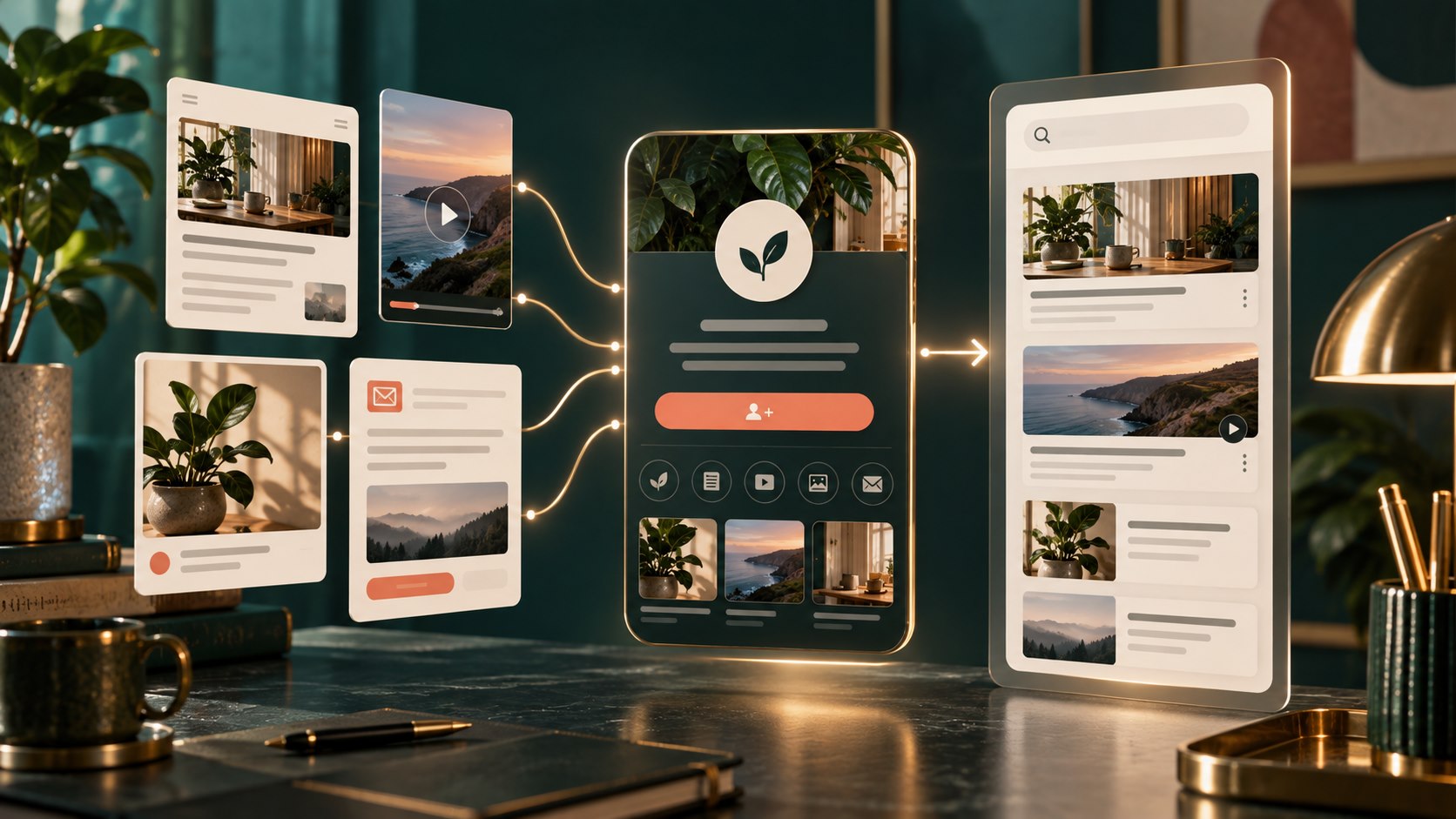
A Search profile is a Google-hosted page that can consolidate content from a publisher or creator’s website and linked platforms. Depending on the profile, it may show a bio, website, social links, recent articles, videos, posts, and featured content.
Google introduced Search profiles as a verified home base for publishers and creators. In September 2026, Google announced multi-profile management, improved article displays, and broader U.S. eligibility. The newer article treatment uses stronger thumbnails and allows longer headlines, helping recent work look more recognizable inside the profile.
People may find a Search profile from a knowledge panel, a publisher or creator name in Google Discover, or a direct URL such as https://profile.google.com/@handle.
What does the Google Search profile badge do?
The Google Search profile badge is a link placed on a website. It sends visitors to the site’s claimed Search profile, where they can review connected content and follow the source.
Google provides official badge assets and a simple HTML pattern. A publisher can also use a text link such as “Find us on Google Search” in an author bio, newsletter, or links page.
The badge does not create the profile, verify the brand, or automatically qualify a business. The Search profile must already be claimed before the badge has a useful destination.
Who is eligible for a Search profile?
Google’s current help documentation says new Search profiles are available in the United States. To create one, a person or managed brand must be at least 18 and have at least 10,000 followers or subscribers on one supported platform:
- YouTube
- X
- TikTok
A publisher or creator with an existing knowledge panel may already have an automatically generated profile. Google recommends checking for an existing profile before trying to create a new one. One Google Account can manage up to ten eligible profiles, which is useful for organizations with several publications, shows, or brands.
The 10,000-follower threshold means many local service businesses will not qualify yet. That is not a reason to manufacture followers or connect unrelated accounts. Google reviews whether linked platforms are relevant to the identity represented by the profile.
Benefits of a Google Search profile badge
It creates a clear home for content across platforms
A brand may publish articles on its website, videos on YouTube, photos on Instagram, and short updates elsewhere. A Search profile provides one Google-hosted destination that can help an audience understand which accounts and content belong together.
It gives loyal readers a follow path
When someone follows a Search profile, Google says content linked on that profile becomes more likely to appear for that person in Discover. This is a personalization benefit for followers, not a promise that every post will reach a larger general audience.
It can reinforce brand identity
A claimed profile can include a profile image, bio, website, and connected platforms. Publishers can pin up to eight posts or videos to feature important work. Accurate, consistent information can make the profile more useful when someone searches specifically for the brand or creator.
It gives websites a direct connection point
The badge lets an existing website audience find the Search profile without having to discover it by accident. This makes the profile part of the site’s broader follow strategy alongside email, social media, video, and RSS.
What the badge does not do
- It does not directly improve Google rankings.
- It does not replace a Google Business Profile for local business information.
- It does not replace Search Console, which is used to monitor website performance in Search.
- It does not guarantee placement in Discover.
- It does not make thin, outdated, or copied content more useful.
- It does not replace an email list or other audience channel the business controls.
How to add a Google Search profile badge
1. Confirm the correct profile
Visit profile.google.com while signed into the Google Account connected to the creator or publisher identity. Search for the name or handle and confirm whether a profile already exists. Review every linked platform before claiming it.
2. Claim or create the profile
Follow Google’s verification process. A profile connected to YouTube should use the Google Account associated with that channel. Google may require authentication through one or more linked platforms and may review identity information.
3. Clean up the profile before promoting it
Check the profile image, name, bio, website, and connected accounts. Remove irrelevant links and request corrections when needed. Profile name and bio changes may require Google review before they appear.
4. Choose the right badge placement
Good locations include the website footer, author bio, About page, newsletter signup area, or a “Follow us” section. Avoid placing the badge where it competes with the primary action on a sales, checkout, booking, or contact page.
5. Use the official asset correctly
Google says not to stretch, rotate, recolor, or distort the official badge. Keep the click target large enough for touch use: Google recommends at least 48 by 48 density-independent pixels on Android and 44 by 44 pixels on iOS and the web.
6. Test the complete path
Click the badge on desktop and mobile. Confirm that it opens the correct profile, the profile represents the intended brand, and visitors can understand why they should follow. Add an accessible label and useful image alt text.
Search profile badge versus Preferred Sources
Google Search profiles and Preferred Sources are related but different. A Search profile consolidates a creator or publisher’s identity and connected content. Preferred Sources lets a reader select a publication as a preferred source for experiences such as Top Stories and, where available, AI Mode and AI Overviews.
If a site uses both controls, Google recommends making the labeled Search profile button the higher-emphasis element and keeping the badge styles visually distinct. Do not use two nearly identical icons that leave visitors guessing which action they are taking.
What smaller businesses should do if they are not eligible
Most small businesses should focus first on the channels that customers already use to verify and contact them. Keep the website, Google Business Profile, social accounts, directory listings, and email information consistent. Publish useful original material, use strong article images, and make authorship clear.
Build a real audience rather than chasing the profile threshold. A smaller, engaged local following that books services or buys products is more valuable than a large unrelated follower count. When the brand becomes eligible, the profile will have stronger content and cleaner identity signals to pull together.
CodeForce can help businesses improve their website presence, review their social media workflow, clean up a confusing Google Business Profile, or build a more consistent small-business technology system.
Google Search profile badge FAQ
Does a Search profile improve SEO rankings?
Google says profile creation does not directly affect Search ranking. Followers may be more likely to see linked content in their personalized Discover feed.
Can a local business create a Search profile?
A brand can qualify if it meets Google’s location, age, policy, and supported-platform audience requirements. Many local businesses will not yet meet the 10,000-follower threshold.
Can several brands be managed from one Google Account?
Yes. Google’s current documentation says one Google Account can manage up to ten eligible Search profiles.
Can the badge be customized?
Use Google’s official badge assets and follow its brand rules. A plain text link is also allowed when a full badge is not appropriate.
Sources
- Google Search Central: Add a Search profile badge to your website
- Google Search Help: Create a new Search profile
- Google: Search profile updates for publishers
- Google Search Help: Manage your Search profile
- Google Search Central: Preferred Sources guide
Need help deciding whether a new Google feature belongs on the site, where it should go, and how it fits the rest of the customer journey? Book a free CodeForce intro call.

