
CodeForce Tech Notes
Social Link Preview Check: Make Every Shared Link Look Right
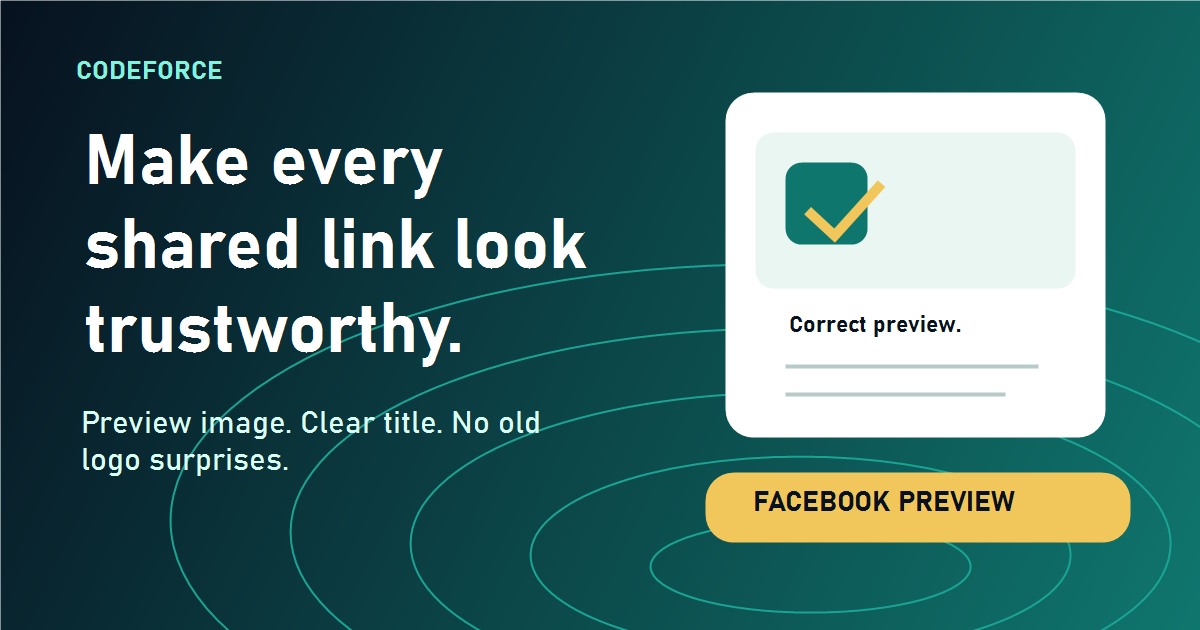
Before sharing a page on Facebook, check the preview image, title, and description so customers see a trustworthy link card.
When someone shares your website on Facebook, the preview card can either build trust or make the business look unfinished. A strong link preview shows the right image, a clear title, and a description that tells customers why the page matters. A broken preview shows no image, the wrong logo, or stale text from an older version of the site.
That small preview box matters because it is often the first thing a customer sees before clicking. If the card looks outdated, generic, or confusing, people may assume the page behind it is outdated too. For small businesses, nonprofits, local service providers, and course creators, that is an easy trust leak to fix.
What a link preview usually pulls from your website
Facebook and other platforms look for Open Graph information in the page code. That information tells the platform which title, description, and image should appear when the page is shared. If those tags are missing, blocked, cached, or pointed at the wrong file, Facebook may guess. That is when the wrong logo, a blank preview, or an unrelated image can appear.
Meta’s webmaster guidance says website owners can use the Sharing Debugger to see what Facebook’s crawler reads from a page. Meta also recommends using images that are large enough for link shares, with at least 1200 by 630 pixels for best display quality.
A practical preview check before you share
Before posting a new article, product page, class page, or announcement, run a quick preview check. It only takes a few minutes and can prevent an ugly first impression.
- Open the page in a private browser window. Make sure the public version loads without a login, cookie banner problem, or redirect loop.
- Check the featured image. The image should be large, readable, and specific to the page. Avoid tiny logos as the main share image.
- Check the title and description. The preview should sound like it is talking to the customer, not to the business owner.
- Use Facebook’s Sharing Debugger. Paste the URL, review the scraped image and text, and scrape again if Facebook is showing an older version.
- Repost only after the preview is right. If the original Facebook post used a bad cached preview, delete and repost after the scraper sees the correct image.
Why this matters for local businesses
Customers make fast judgments. A clean preview suggests the business pays attention. A broken preview suggests the website may be neglected. That is not always fair, but it is how digital trust works. The preview image is part of the customer’s first impression, just like a storefront sign, voicemail greeting, or printed flyer.
This is especially important for pages that need shares: blog posts, event pages, workshop registrations, service offers, grant announcements, and seasonal promotions. If the image is missing, people scrolling Facebook may not even realize the link is worth opening.
What to fix if the wrong image appears
If Facebook shows the wrong image, do not only edit the Facebook post. Fix the website metadata first. The page should have a specific featured image, an Open Graph image, and a description that matches the page. The site should also use a current brand logo as a fallback, not an old file from a past design.
After the website is fixed, use the Sharing Debugger to refresh Facebook’s cache. Facebook may hold onto an older preview until its crawler checks the page again. That means the website can be correct while Facebook still shows yesterday’s bad preview. Scraping again tells Facebook to reread the page.
The CodeForce check
For any important page, CodeForce recommends a simple rule: do not share it until the preview card looks like something a customer would trust. The image should be specific, the headline should be clear, and the description should explain the value of clicking.
If your business depends on Facebook, email newsletters, text messages, or community partners sharing your links, this check is not cosmetic. It is part of the publishing process.
Source note: This article references Meta’s webmaster guidance for link sharing, image requirements, and the Facebook Sharing Debugger.

