
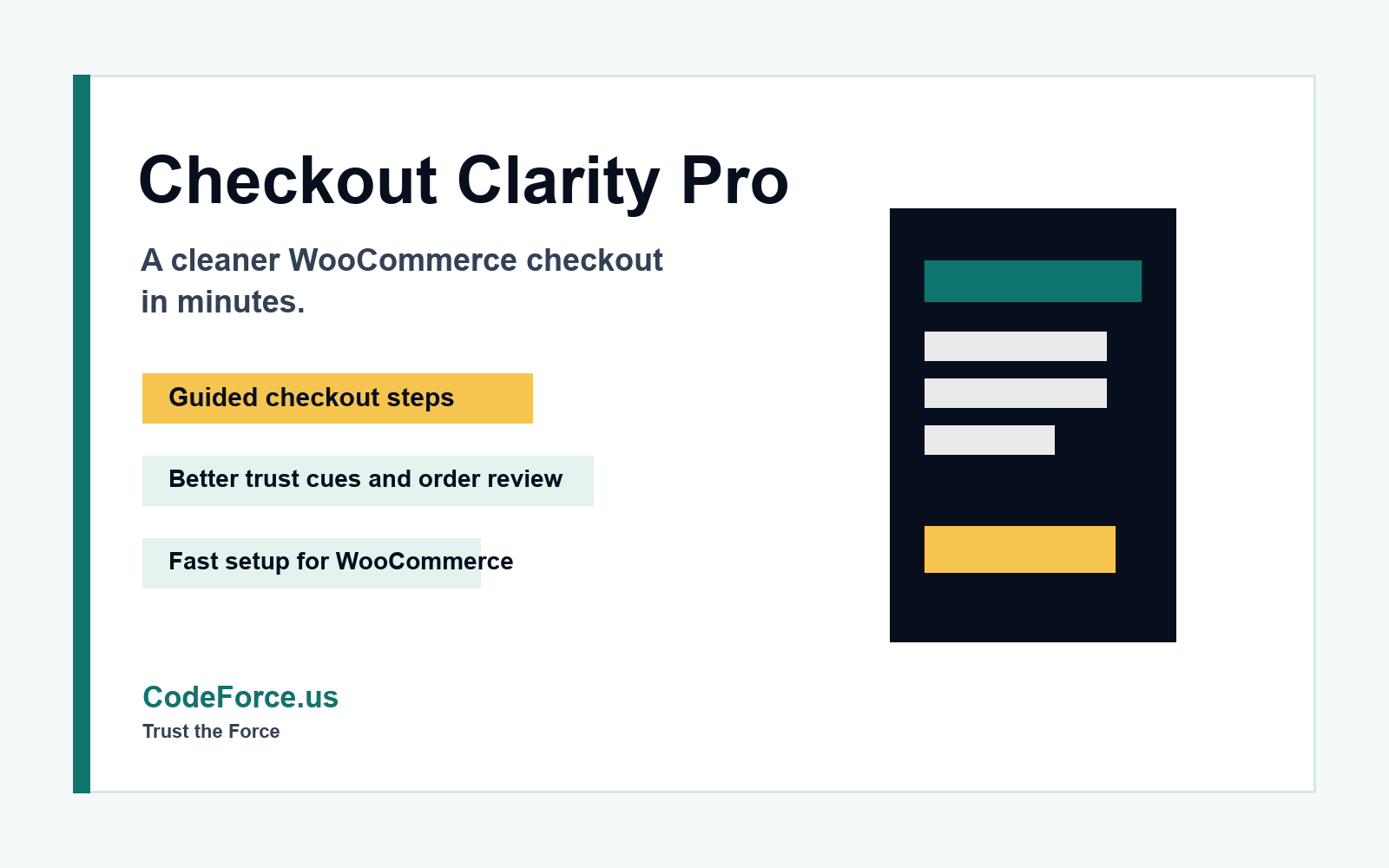
Checkout Clarity Pro for WooCommerce
Less checkout chaos. More confident clicks.
Make WooCommerce checkout feel less like one giant form and more like a guided buying experience. Checkout Clarity Pro helps customers understand the final step before they click place order.
Built from real store problems: customer hesitation, unclear next steps, messy order review, and checkout pages that feel more like paperwork than purchasing.
Why it sells
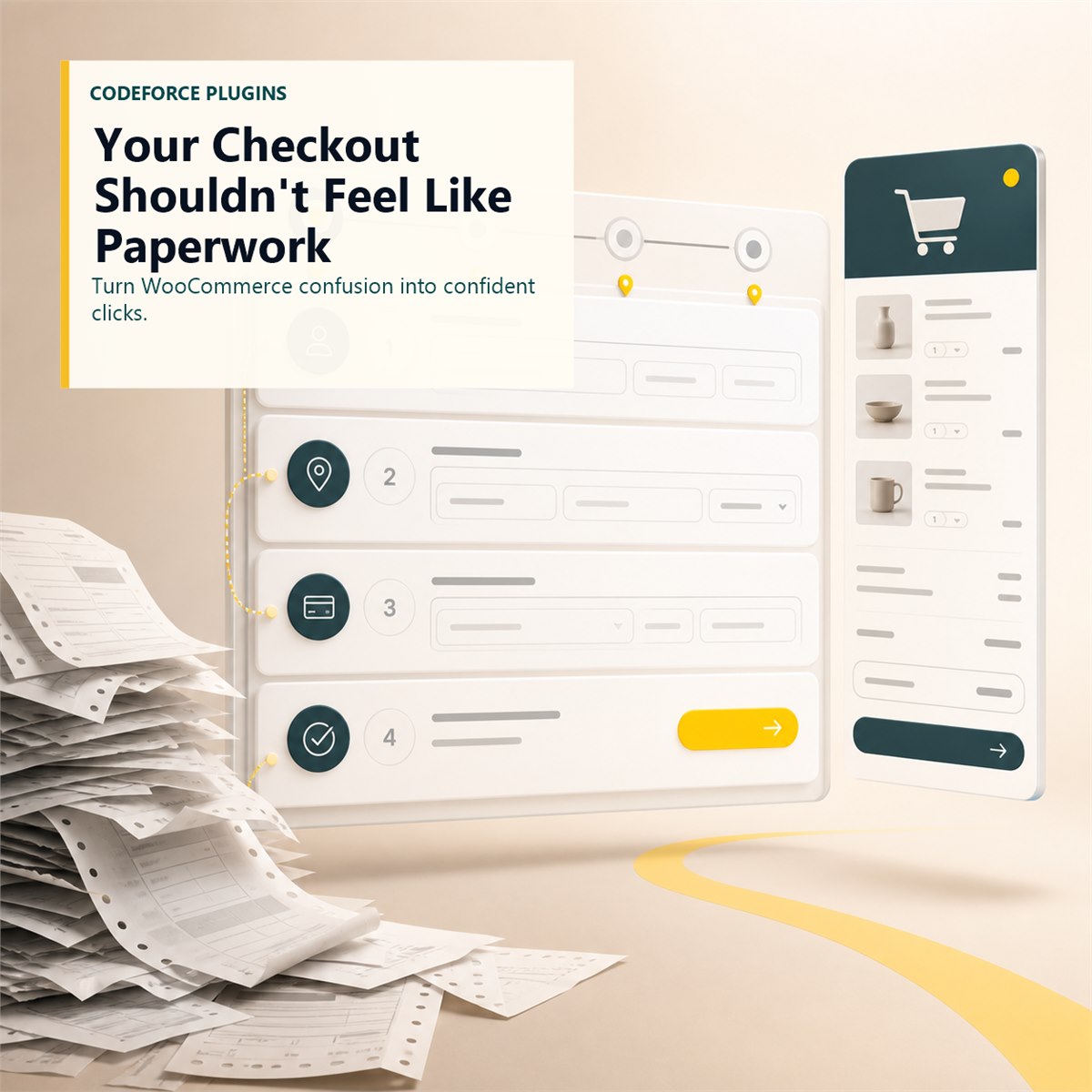
Your checkout should not feel like paperwork.
Customers are used to modern checkout flows with clear steps, a visible order summary, and calm confirmation cues. A standard WooCommerce checkout can work, but it can also feel like a wall of fields at the exact moment a customer is deciding whether to finish.
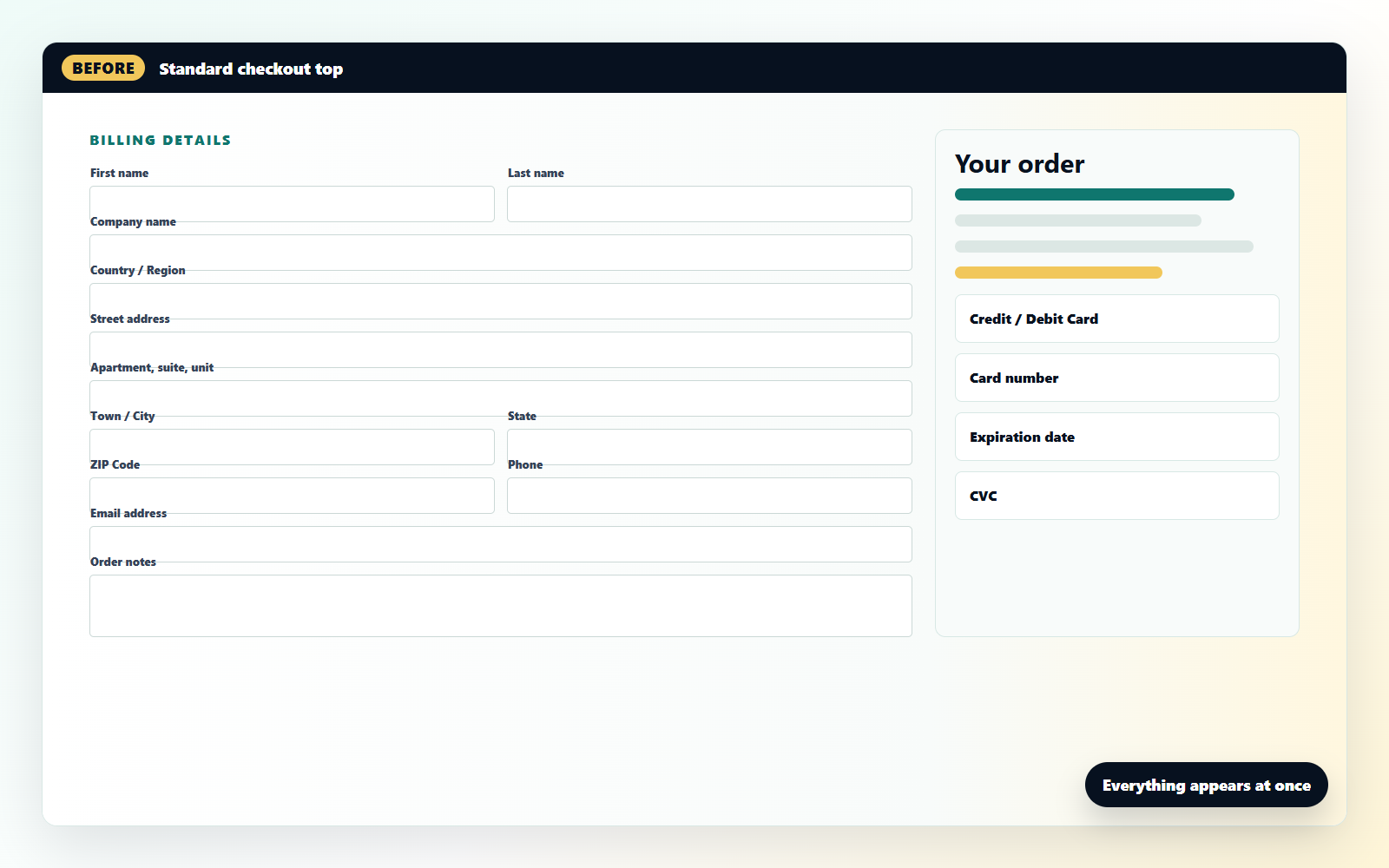
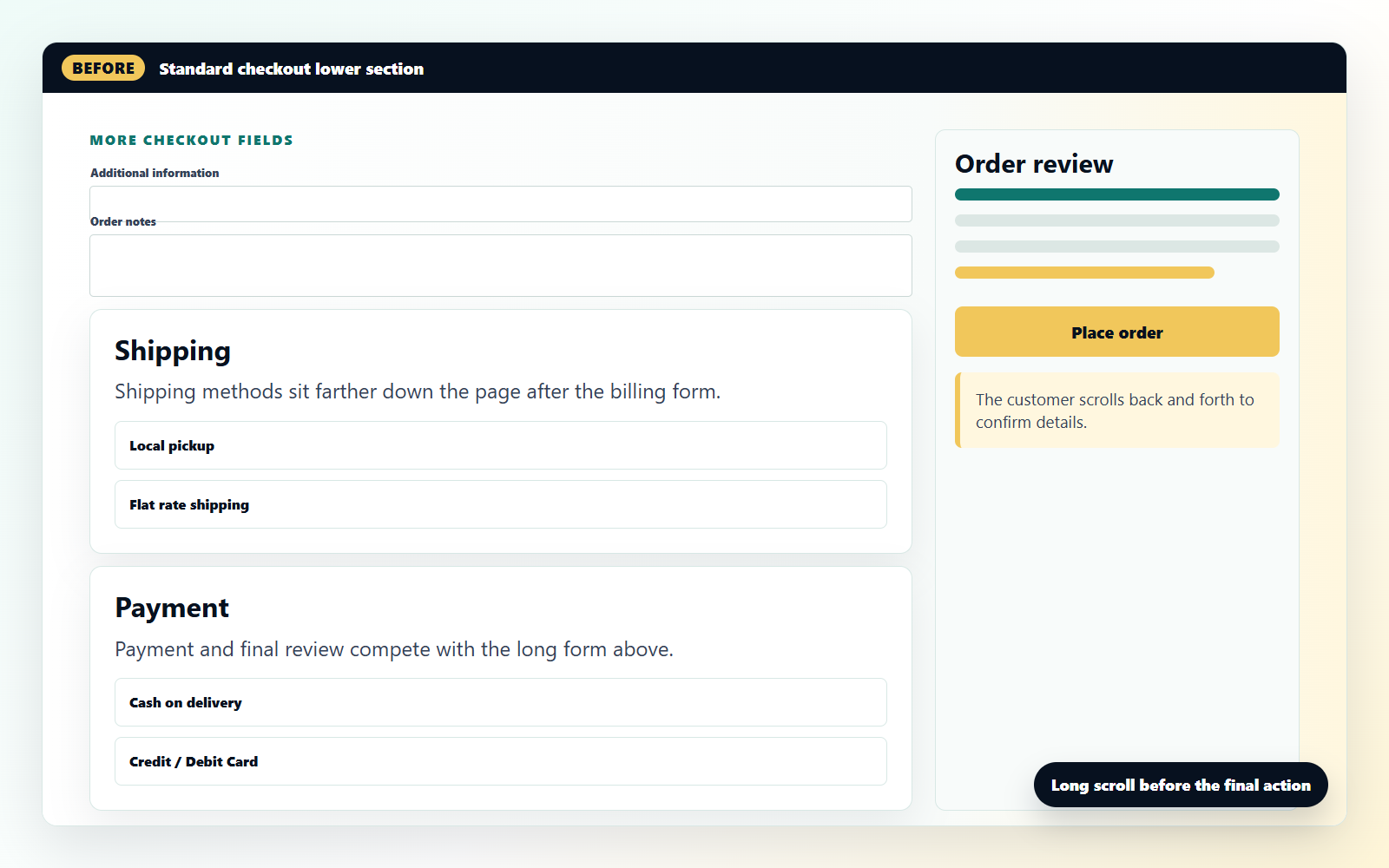
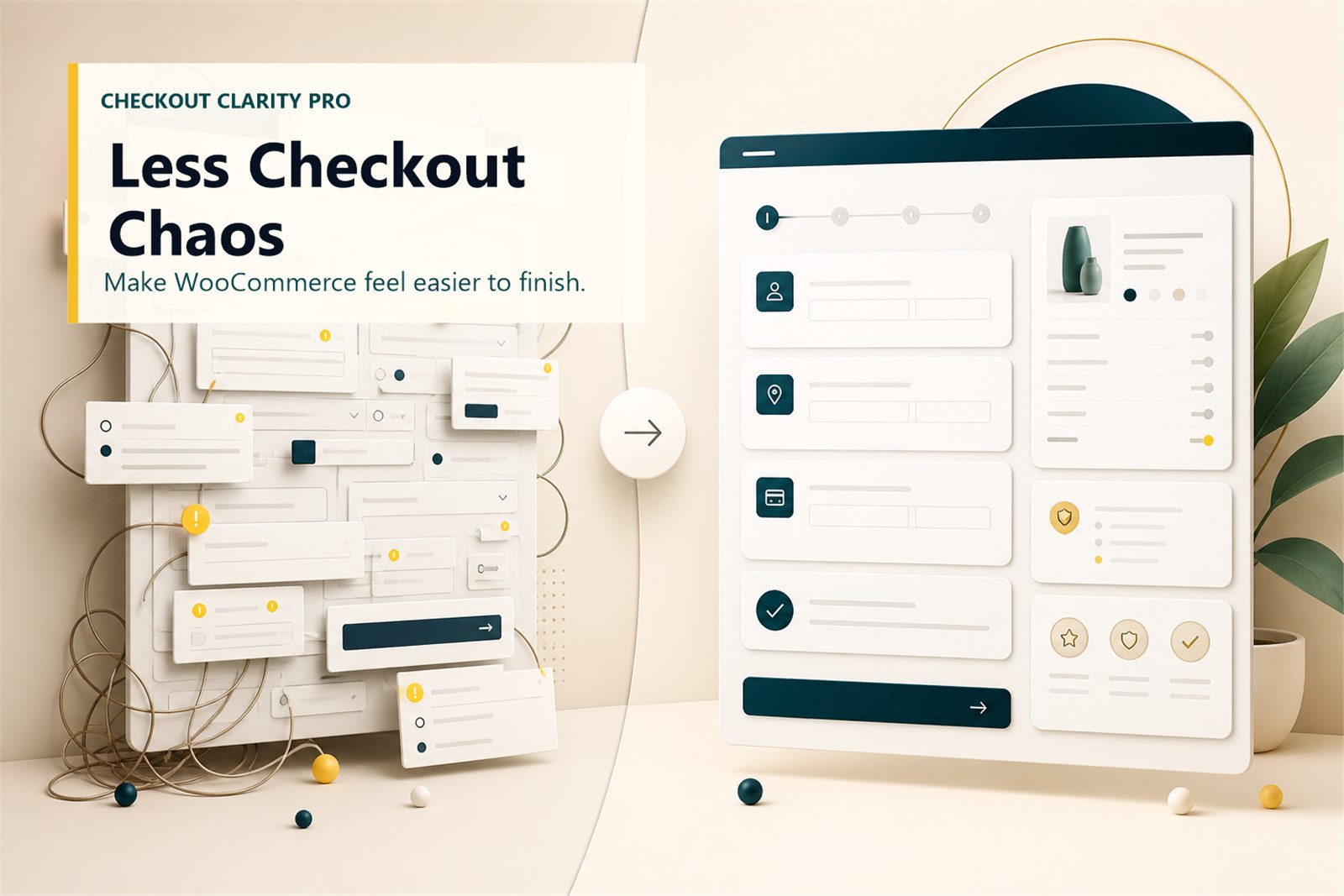
One giant form
Too many fields at once, unclear next steps, and an order review that does not guide the customer.
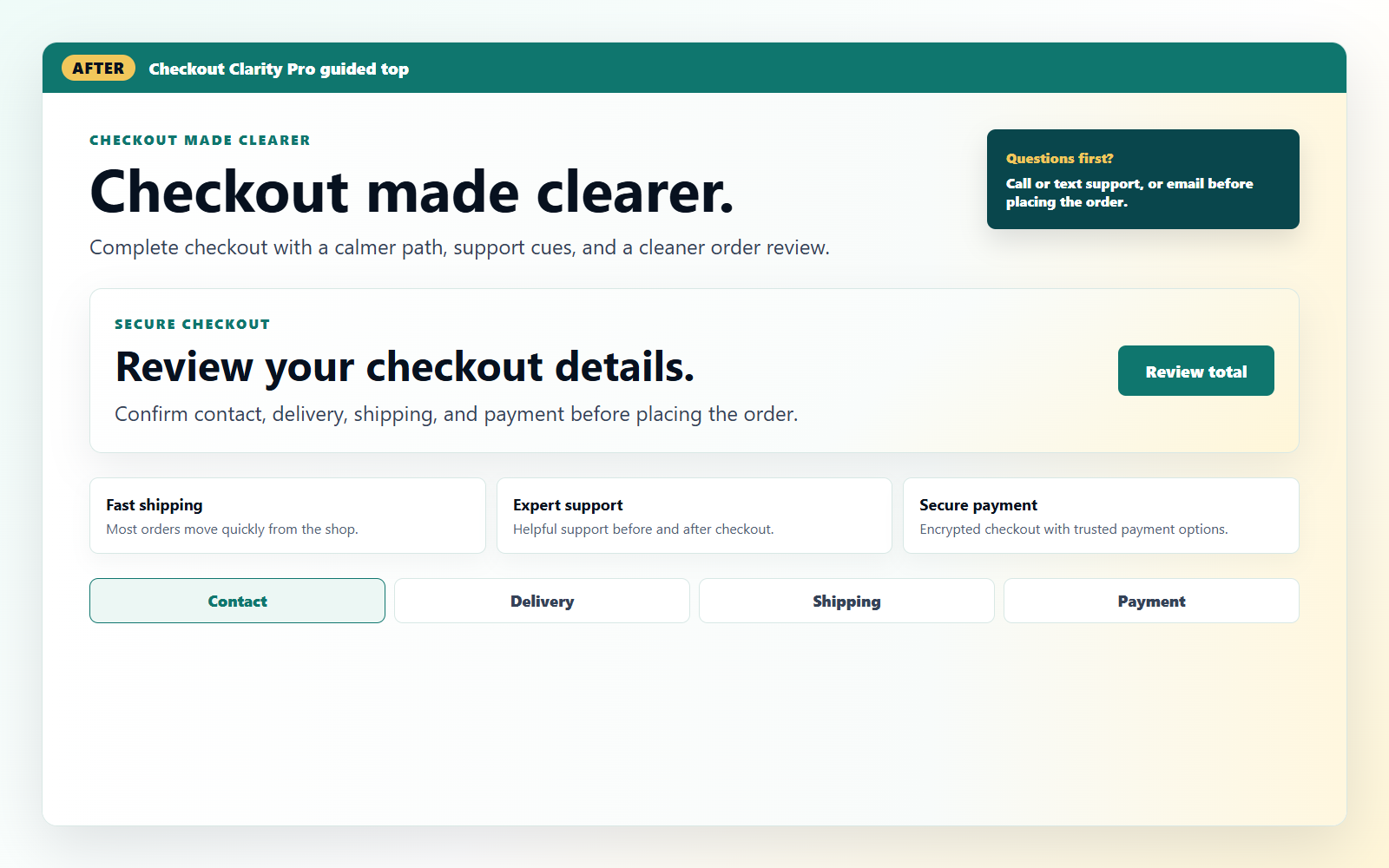
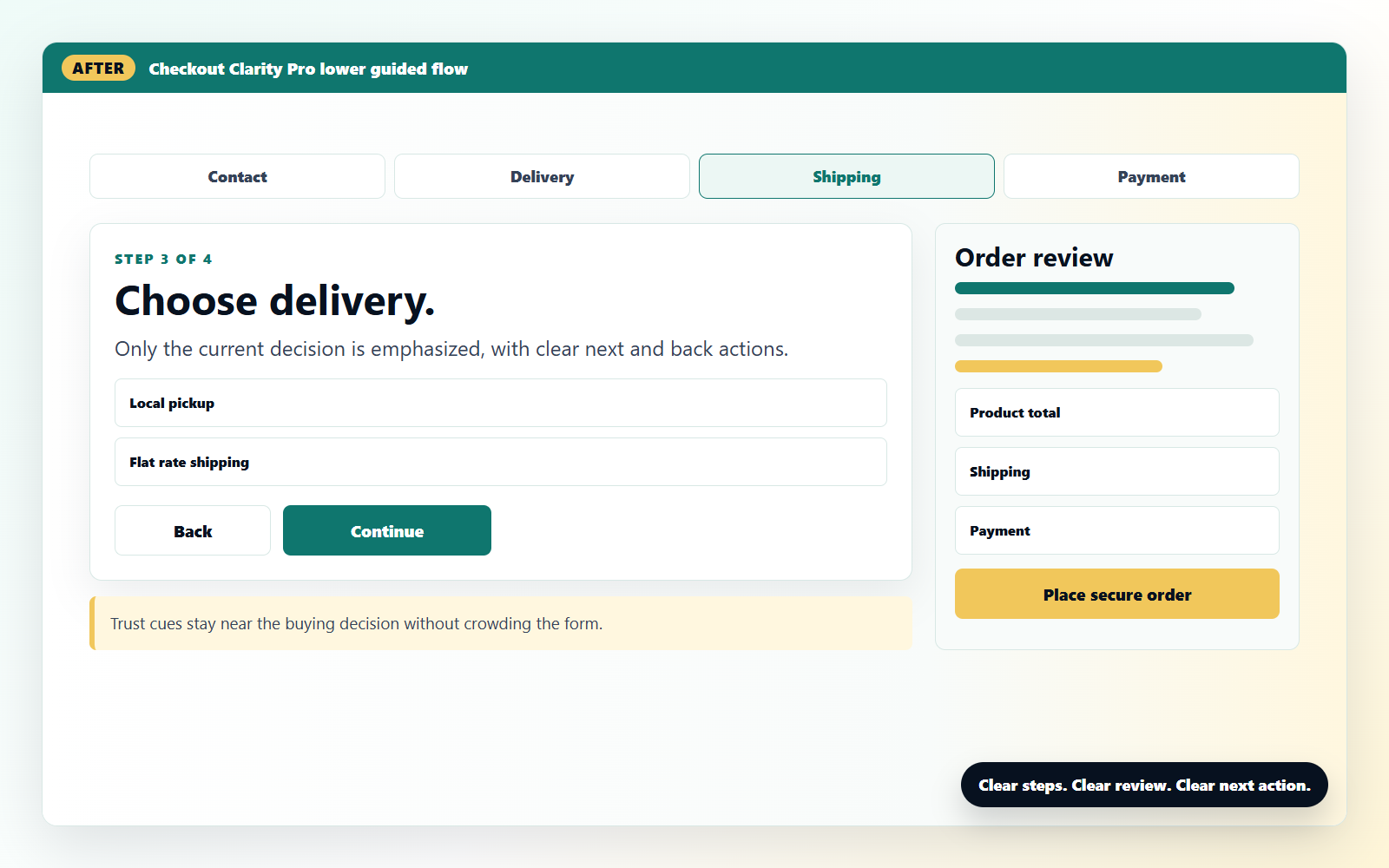
A clearer buying flow
What it improves
Fix the tiny checkout leaks that make buyers hesitate.
Guided checkout feel
Make the final step feel more structured so customers can move through checkout without feeling dumped into one oversized form.
Better order clarity
Support a more useful order-summary/sidebar experience so customers can review what they are buying while they finish.
Customer reassurance
Add clearer messaging around next steps, support expectations, and setup help so checkout feels calmer and more trustworthy.
Built for real stores
Less form fright. More buy button.
Checkout Clarity Pro is for WooCommerce stores that want the final step to feel sharper, cleaner, and easier to finish without rebuilding the entire site.
- Stores where customers ask the same checkout questions.
- Stores that want a more polished purchase experience.
- Stores that sell products, services, downloads, or setup help.
- Owners who know small friction can quietly cost real money.
How it works
Install it, turn on the clarity, then test your checkout.
1. Buy and download
Purchase the plugin and download the ZIP file from your CodeForce account.
2. Upload to WordPress
Install it under Plugins > Add New > Upload Plugin, then activate it on your WooCommerce store.
3. Review checkout
Test checkout on desktop and mobile so the flow, order summary, and customer messaging feel clear before you promote it.
CodeForce plugin
Ready to make checkout clearer?
Turn WooCommerce checkout confusion into a calmer buying flow customers can actually finish.

Reviews
There are no reviews yet.