
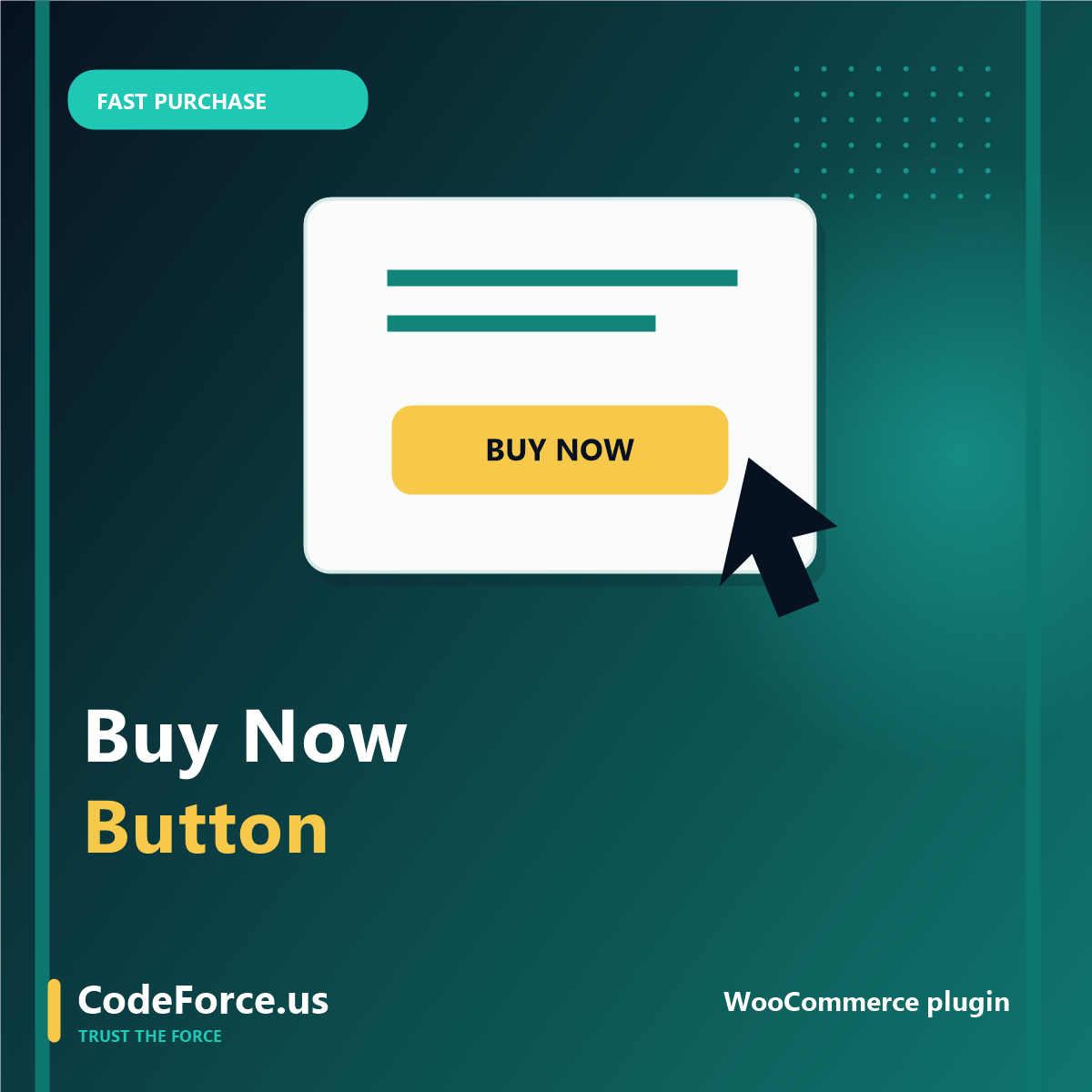
Add a Buy Now button to WooCommerce and shorten the path to checkout.
Add direct-to-checkout Buy Now buttons to WooCommerce products, shop pages, category pages, and search results.
Why this matters
Some shoppers already know what they want. If they have to move from product page to cart to checkout, every extra click can create hesitation. This plugin gives ready buyers a clean shortcut.
What you get
- Buy Now button on single product pages
- Optional buttons on shop, category, and search result pages for simple products
- Custom label, colors, hover color, text color, and corner radius
- Optional clear-cart-first behavior for one-product checkout flows
Best fit
- WooCommerce stores selling focused products or services
- Digital product shops and landing-page campaigns
- Stores that want a faster purchase path without rebuilding checkout
How it works
- Buy the plugin and download the ZIP file from your CodeForce account.
- Install it in WordPress under Plugins > Add New > Upload Plugin.
- Turn on the settings that match your store and test one product before using it widely.
- Ask CodeForce for setup help if you want the plugin installed, styled, or checked for conflicts.
Common questions
Is this beginner-friendly?
Yes. CodeForce explains the work in plain language and focuses on the next practical step instead of jargon.
Can CodeForce help set it up?
Yes. If you want hands-on help, book a call and we can recommend the right setup or support option.
What happens after checkout?
You receive the product, download, course access, or follow-up instructions tied to this purchase. For service packages, CodeForce follows up for the details needed to begin.
Start with the option that matches the problem you want solved first.
Use this plugin on its own, pair it with other direct checkout tools, or compare CodeForce WooCommerce plugins.


Reviews
There are no reviews yet.