

CodeForce Tech Notes
Fake Online Seller Scams: How To Check A Business Before You Pay
Scammers are cloning real businesses, listings, and invoices. Use this practical checklist to verify an online seller before sending money.
Fake online seller scams are getting harder to spot because scammers can copy a real business, reuse authentic product photos, and send professional-looking invoices. In September 2026, the Federal Trade Commission warned about scammers impersonating farm-equipment businesses and cloning car-dealership websites. The products were different, but the playbook was similar: look legitimate, create urgency, request a hard-to-reverse payment, and disappear.
This is not only a problem for people shopping for tractors or cars. The same tactics can be used for collectibles, tools, furniture, electronics, wholesale products, rentals, services, and high-value specialty items. Buyers need a stronger verification routine, and legitimate businesses need to make their real identity easier to confirm.
How fake online seller scams work
A scammer does not have to invent a convincing business from scratch. They can copy one that already has a good reputation. They may reuse a real company name, address, logo, staff names, product listings, photos, reviews, or policy language. Then they replace the phone number, email address, website domain, payment instructions, or social account with contact information they control.
The FTC describes cases where shoppers found an ad on social media or a paid search result, contacted what appeared to be a known business, received a purchase agreement and invoice, and sent thousands of dollars by wire transfer. The promised delivery never arrived.
A polished website is not proof. Neither is a PDF invoice, a familiar logo, a detailed return policy, or a page full of testimonials. All of those elements can be copied.
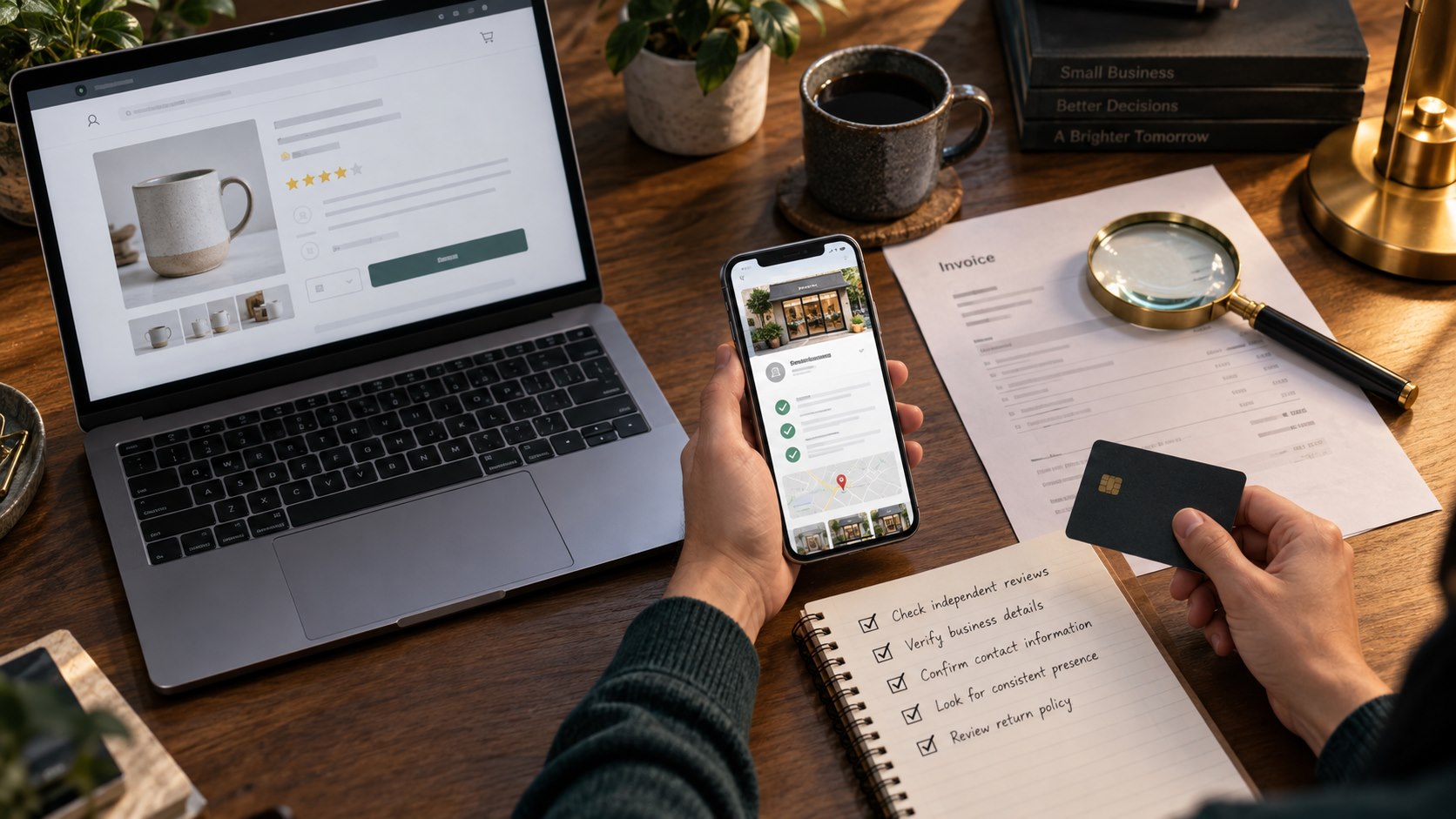
Fake online seller scams: a verification checklist
1. Do not rely on the ad or first search result
Social platforms do not guarantee that every advertiser is legitimate. Paid search ads can also appear above the real business. Instead of using the phone number or link inside an ad, search for the company separately and compare several sources.
Look at the unpaid search results, Google Business Profile, established social pages, industry directories, manufacturer dealer lists, and state business records when appropriate. Search the company name with words such as scam, complaint, fake, or impersonation.
2. Examine the website address carefully
A copied site may use a domain that differs from the real one by one letter, a hyphen, an extra word, or a different ending. Check the address before entering information. Be cautious when a link sends you through several redirects or the domain does not match the company name.
HTTPS and the padlock icon only mean the connection is encrypted. They do not prove that the person operating the website is honest.
3. Verify contact details through another source
Call a phone number found independently, not only the number in the ad, email, invoice, or suspicious website. If you have bought from the business before, use the contact details from an old receipt, saved account, product manual, or previous conversation.
Ask a specific question that a real seller should be able to answer. For a high-value item, request a live video walkthrough, current photos with a requested detail, serial information when appropriate, or an in-person inspection.
4. Check whether the product really exists
Scammers often advertise rare, desirable, or hard-to-find items because shoppers may feel pressure to act quickly. Reverse-image-search the product photos. Look for the same images on older listings, auction sites, manufacturer pages, or unrelated dealer websites.
Compare the description, condition, model number, location, and price. A copied photo paired with inconsistent details is a strong warning sign.
5. Slow down when the price creates urgency
A price far below the normal market can make a buyer afraid of missing out. That pressure is part of the scam. Compare prices from several established sellers and ask why the item is discounted. A legitimate answer should be specific and verifiable.
6. Treat payment restrictions as a major warning
The FTC warns against sellers who insist on payment by wire transfer, gift card, cryptocurrency, or payment app. Those payment methods can be difficult or impossible to reverse after the scammer collects the money.
For a large purchase, ask about protected payment methods, written terms, inspection, escrow where appropriate, and the exact legal business receiving the funds. Confirm any last-minute change to bank or payment instructions through a known phone number.
Warning signs inside an invoice or purchase agreement
- The business name, domain, email address, and payment recipient do not match.
- The seller changes payment instructions after the deal begins.
- The invoice creates unexplained urgency or threatens to cancel immediately.
- The document looks professional but contains inconsistent addresses or phone numbers.
- The seller will not allow inspection, a video call, or contact through the company’s established channel.
- The delivery company or tracking information cannot be verified independently.
- The seller asks for another payment after claiming a truck, customs, insurance, or delivery problem.
What legitimate businesses should do about impersonation
Fake online seller scams also hurt the real business being copied. Customers may blame the legitimate company, leave negative reviews, or call staff for help after losing money. Businesses can reduce confusion by creating a clear, consistent identity across the web.
Make the official path obvious
Use the same business name, website, phone number, address, and payment guidance across your website, Google Business Profile, social accounts, invoices, and email signatures. Publish a short page explaining how customers can verify official communications and how your business accepts payment.
Secure the accounts scammers would copy
Protect domain registration, website hosting, email, social accounts, advertising accounts, and Google Business Profile with unique passwords and multifactor authentication. Remove old users and review recovery email addresses and phone numbers.
Monitor the business name
Search for your business name, product photos, phone number, and common misspellings. Watch for unfamiliar domains, ads, social accounts, or listings. Ask customers to report suspicious messages instead of engaging with the sender.
Respond with a calm, documented process
If someone is impersonating the business, save screenshots, URLs, email headers, invoices, payment instructions, ad details, and dates. Report the account or ad to the platform, notify the web host or domain registrar when appropriate, and direct affected consumers to ReportFraud.ftc.gov.
CodeForce can help businesses review their technology and customer workflow, strengthen their official website presence, clean up their Google Business Profile, or recover from a compromised or misleading web presence with website recovery help.
What to do if you already paid a fake seller
- Contact the bank, card issuer, wire-transfer company, payment app, or cryptocurrency exchange immediately and ask whether the transaction can be stopped or recalled.
- Save every message, invoice, receipt, phone number, account name, website address, and screenshot.
- Report the fraud at ReportFraud.ftc.gov.
- Report the ad, account, website, or listing to the platform where you found it.
- Change passwords if you created an account or reused a password on the fake site.
- Monitor financial accounts and credit information if you shared sensitive personal data.
Fake online seller scams FAQ
Can a scam website have HTTPS?
Yes. HTTPS protects data while it travels between your device and the website, but it does not verify that the seller is legitimate.
Are social media and search ads checked before they run?
Advertising platforms use review systems, but deceptive ads can still appear. Treat an ad as a lead to investigate, not proof of identity.
Is a professional invoice proof that a business is real?
No. Scammers can copy branding and generate realistic invoices. Verify the seller and payment destination independently before sending money.
What is the safest response to changed payment instructions?
Stop and confirm the change through a phone number or contact method you already know is genuine. Do not reply only through the message that announced the change.
Sources
- FTC: Scammers are impersonating farm equipment businesses
- FTC: Scammers are spoofing car dealership websites
Worried that customers cannot tell which website, profile, or payment path is really yours? Book a free CodeForce intro call and we will help you connect the dots.

