
CodeForce Tech Notes
Ad Disapproved? Build A Fix-It Workflow Instead Of Panicking
Ad disapprovals are easier to handle when small businesses document the notice, landing page, claim, fix, and review request.
An ad disapproval should not send a small business into panic mode. It should start a calm fix-it workflow. Google Ads has introduced agentic safety features in Ads Advisor, including policy help that can scan an account and website, identify issues, and help confirm fixes before an appeal.
That is useful technology, but the business lesson is bigger: ads, landing pages, policies, and claims need to be organized enough that problems can be fixed quickly.
Why ad disapprovals happen
Disapprovals can happen for many reasons: unclear claims, restricted categories, missing disclosures, destination-page problems, broken links, mismatch between ad copy and landing page, or policy-sensitive wording. Some issues are easy to fix. Others require reviewing the website, offer, and account setup together.
The mistake is treating every disapproval as a mystery. A business should keep a simple record of the ad, landing page, claim, policy notice, and fix.
A practical fix-it workflow
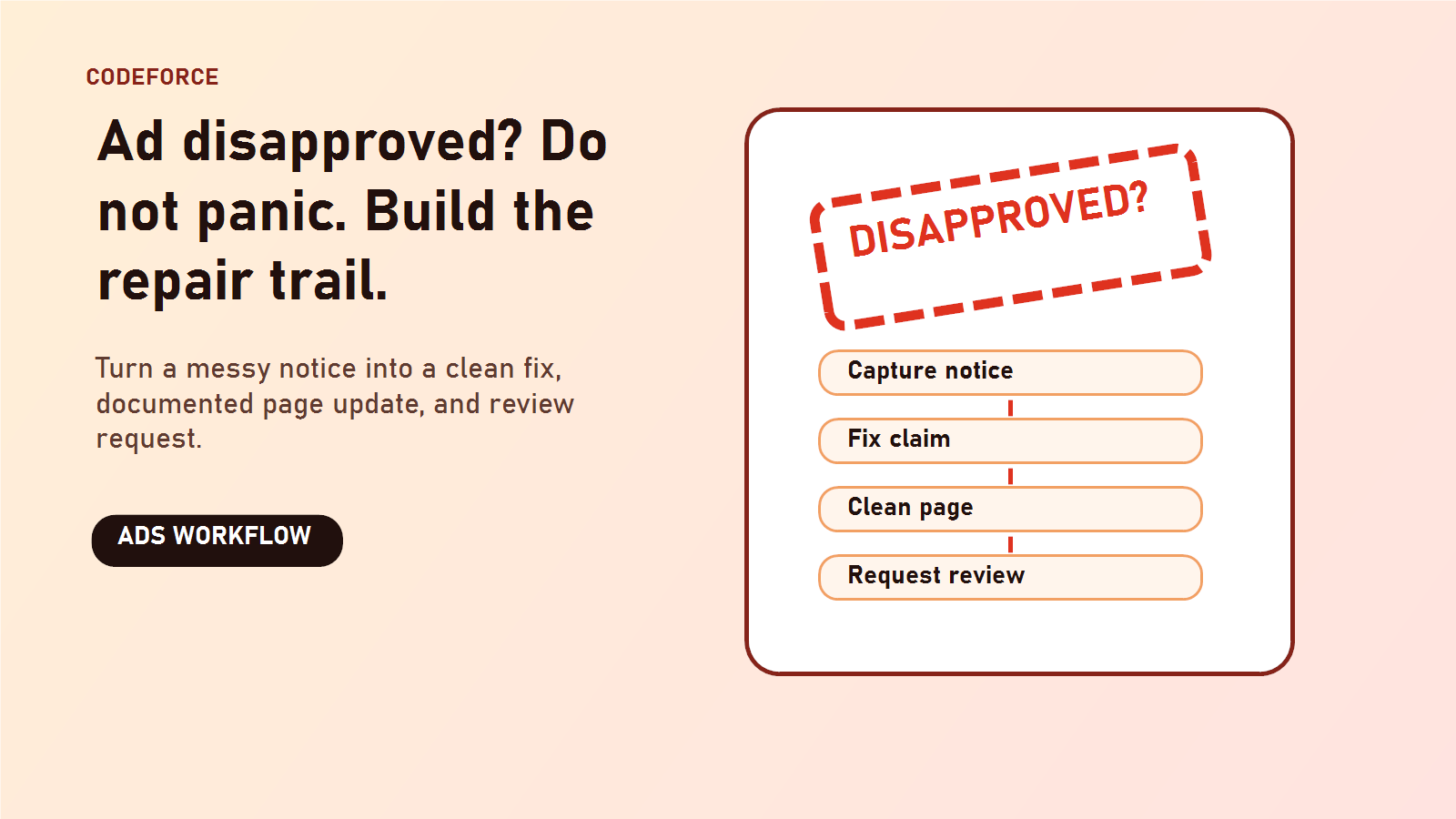
- Save the exact disapproval message.
- Identify the ad, asset, keyword, campaign, and landing page involved.
- Check whether the landing page clearly supports the ad claim.
- Remove exaggerated wording that sounds unverifiable.
- Fix broken links, missing policy pages, or unclear contact details.
- Document the change before requesting review.
Why the website matters
Many ad issues are not only inside the ad. The destination page can create risk too. If the page does not explain the business, hides contact information, lacks trust signals, or makes claims the ad system cannot verify, the campaign may struggle even when the ad copy looks fine.
How small teams can stay ready
Keep a folder or document with landing page URLs, core offer wording, product/service descriptions, refund or cancellation policies, contact information, and proof for important claims. This makes it easier to respond when an ad platform asks for clarity.
FAQ
Should a business immediately appeal an ad disapproval?
No. First understand the reason, fix what is actually wrong, and document the correction.
Can AI tools fix every policy issue?
No. AI tools can help diagnose and guide, but the business still needs accurate claims, clear pages, and honest offers.
What is the easiest prevention step?
Make sure each ad points to a landing page that clearly matches the ad promise and includes real business contact information.
Bottom line
Ad disapprovals are easier to handle when the business has clean claims, clear landing pages, and a repeatable fix-it process.
Source: Google Ads & Commerce: 3 new ways Ads Advisor is making Google Ads safer and faster

