Product details
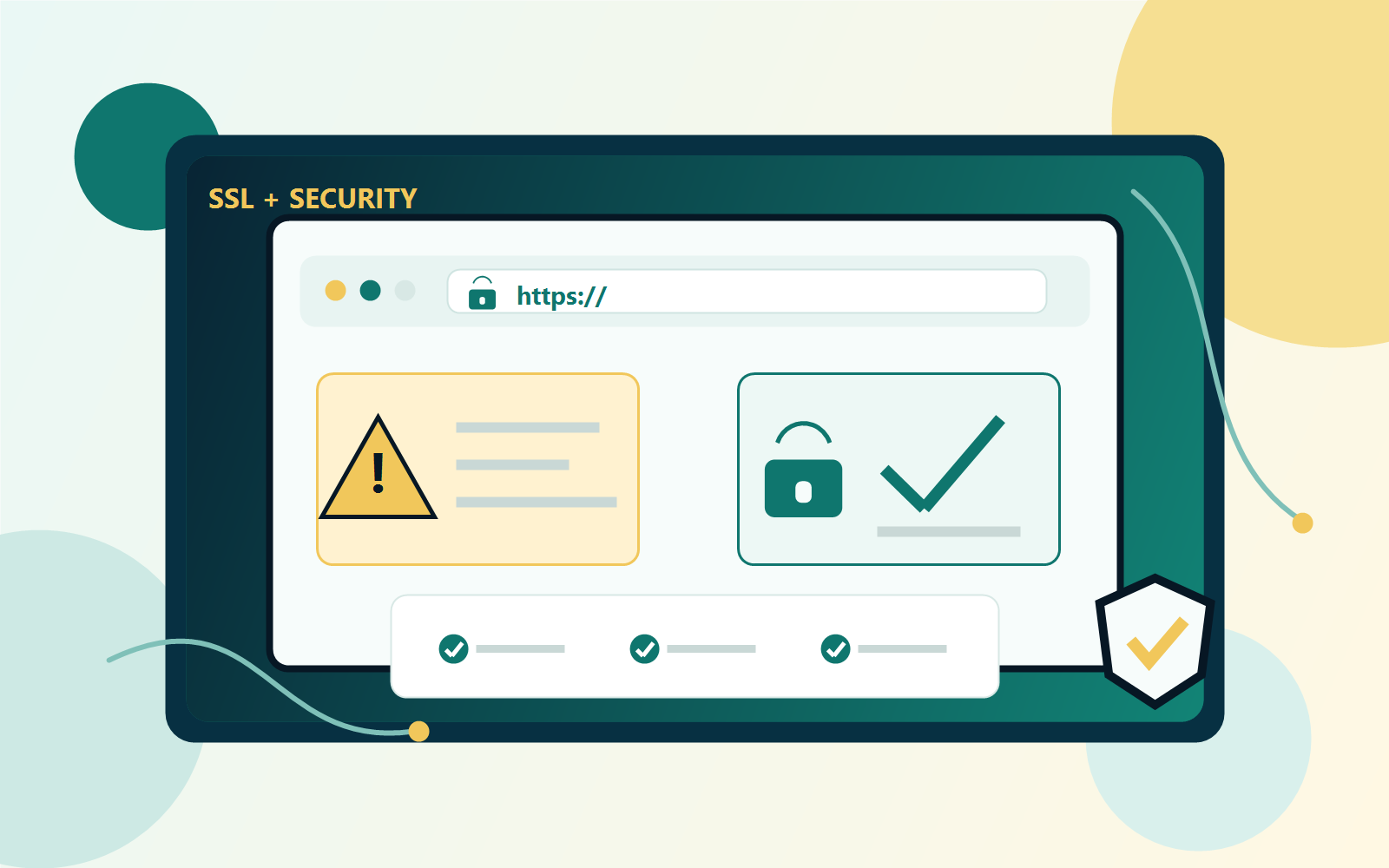
Fix WordPress SSL warnings before customers lose trust.
A focused pass for SSL warnings, mixed content, basic security settings, login habits, updates, and backup readiness.
Why this matters
Security warnings scare visitors. Even when the site is not hacked, SSL errors, mixed content, weak login habits, and old plugins can make a business look risky.
What you get
- SSL and HTTPS warning review
- Mixed-content checks
- Basic WordPress security and login habit recommendations
- Update, backup, and next-step safety checklist
Best fit
- WordPress sites showing “not secure” warnings
- Small businesses that need a trust cleanup
- Older websites that have not had a safety review recently
How it works
- Buy the service or book a call first if you are not sure which package fits.
- CodeForce follows up for access details, website links, goals, and the best contact method.
- We review the issue, make the included fixes or recommendations, and explain the next step in plain language.
- You leave with a clearer website, cleaner account setup, or a prioritized action list.
Common questions
Is this beginner-friendly?
Yes. CodeForce explains the work in plain language and focuses on the next practical step instead of jargon.
Can CodeForce help set it up?
Yes. If you want hands-on help, book a call and we can recommend the right setup or support option.
What happens after checkout?
You receive the product, download, course access, or follow-up instructions tied to this purchase. For service packages, CodeForce follows up for the details needed to begin.
Need help choosing?
Start with the option that matches the problem you want solved first.
For a broader WordPress review, visit WordPress help.